 Patch v2.8 by CerberusInstalled, Tested and Working on Win 7 SP1 - x64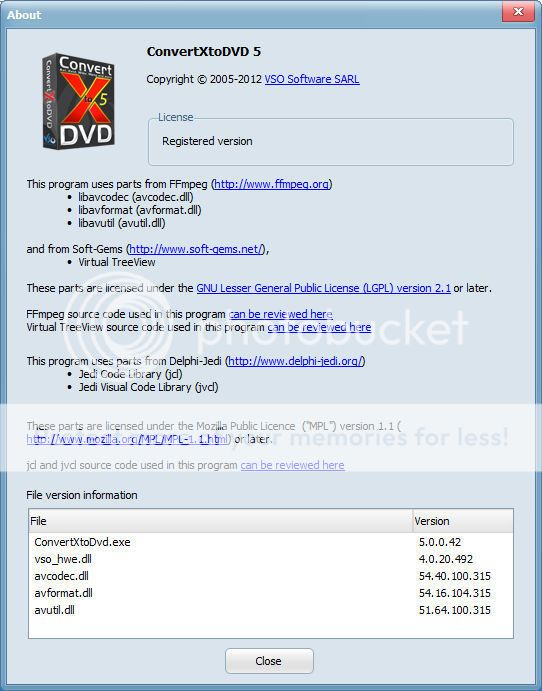

Version 5 vs V4: why get the new version ?
You may be wondering what is this new V5 offering?
What new features have been added, is it really worth upgrading from Version 4?
What has taken so long to develop?
Well here is a quick list of the new features we've developped for V5 and why you won't look back!
NB: We have not removed any options from ConvertX 4, but we have added new possibilities. Anything you were familiar with V4 is still there, it might be displayed differently though. More guides on how to use V5 to come!
1. New InterfaceNew display for clearer view and new live preview: no more converting files you're not totally happy with, no more wondering how the menu, the file, the subs, etc will come out.
Any editing is shown live on the preview.
Now you can customize your menus like an artist!
New feature: Edit menu duration!
2. New edition optionsSubtitles, with new advanced features, like embedding subs directly into the video
NEW: add brightness and contrast for a better image, flip the video
Video format: select the right format according to your TV screen, apply your own values for ultimate editing
NEW: Remove unwanted parts of your video: say goodbye to ads, or anything you want to cut out, anywhere in the video, with exact selection (frame by frame) for professional result.
3. Encoding FeaturesA new conversion engine has been developped especially for this V5.
Now you can have faster conversions with the simultaneous conversion feature (if you add more than one video) and hardware decoding (if available on your PC)- better audio quality due to rewritten engine
- audio/video desynchronisation problems should be nearly non-existant - one of the main reasons for rewritten engine
- add chapters support (original chapters supported and/or import chapters from list)
- Version 5 has a new text renderer, meaning we are using a different engine than what was used in version 4 for text in menus and subtitles. We are now using Free type text renderer which provides visually nicer results.
ConvertXtoDVD changes history
ConvertXtoDVD - 5.0.0.42 (Released 2013-01-29) [ View Issues ]
==============================================
- 0006280: [Bug] chapter file name for menu missing for merged items (felicia) - resolved.
- 0006281: [Bug] the starting times inside the chapter Menu thumbnails have 00:00 instead of correct time (felicia) - resolved.
- 0006414: [Bug] Batcher - Disable sleep/hibernate ... while Batching (felicia) - resolved.
- 0006421: [Bug] log window not scrolling during conversion (felicia) - resolved.
- 0006418: [Bug] add hint for use of { in menu text (felicia) - resolved.
- 0006413: [Feature Request] Batcher - Progress feedback issue (felicia) - resolved.
- 0006407: [Bug] batcher - english typo (felicia) - resolved.
- 0006415: [Bug] New merge function (felicia) - resolved.
- 0006416: [Bug] Chapter List on Chapter Button always display - - : - - now, not displaying the chapter time. (felicia) - resolved.
Cerberus Patch Install Instructions:
Step 1. Install.
Step 2. Disable Auto Updates in the Settings ... General Menu and CLOSE the program.
Step 3. Copy Patch to ConvertXtoDVD Installation Folder.
Step 4. Run Patch As Administrator and Click on Patch.
Step 5. Choose Appropriate Languaue .ini in C:\ProgramData\Vso\ConvertXToDVD\5\Lang in the Pop-up Window.
Enjoy !
DO NOT UPDATE THIS PROGRAM

No comments:
Post a Comment